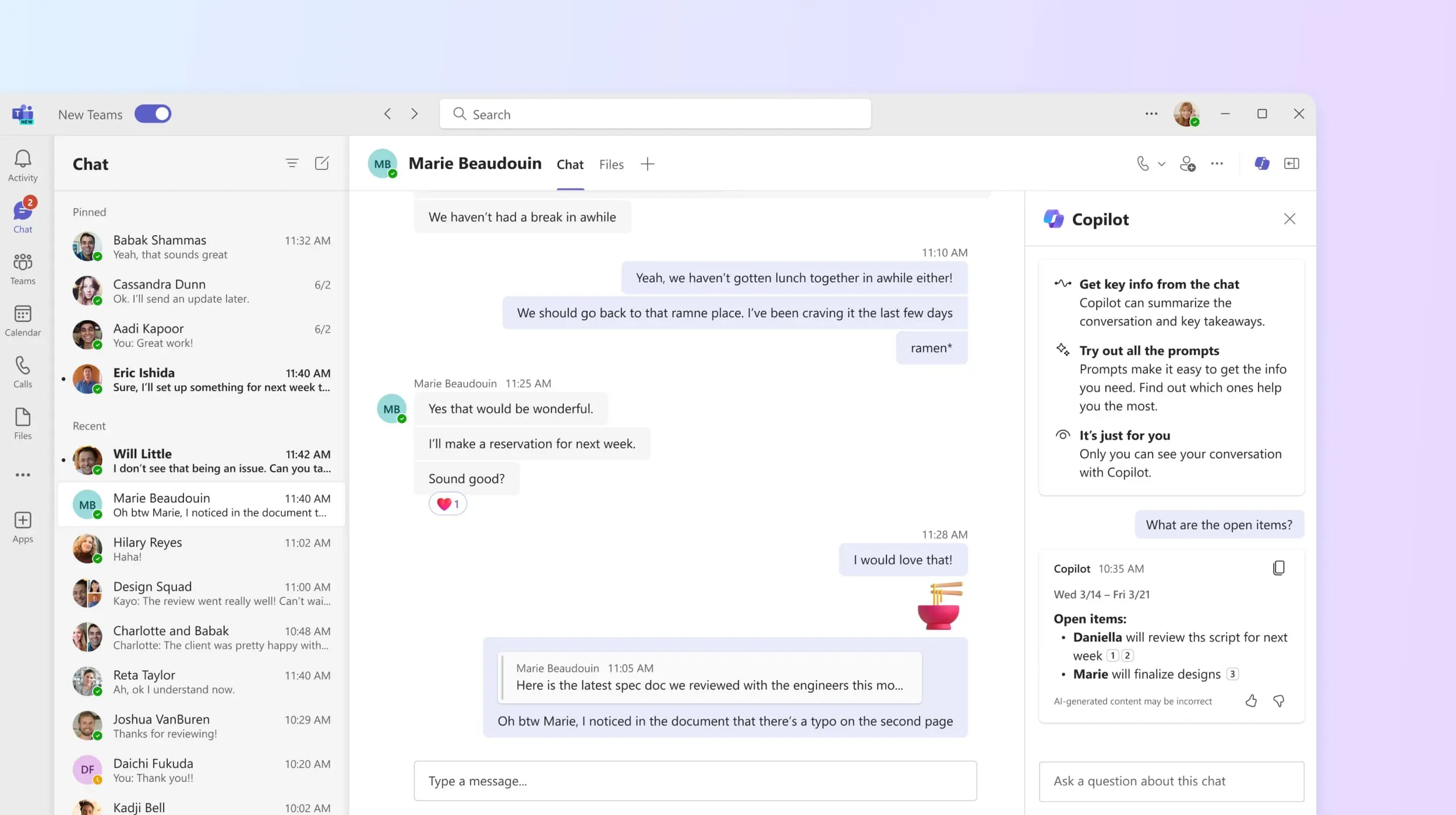
Using Microsoft Copilot in Teams
Meetings multiply, conversations grow, and decisions are sometimes made without being clearly documented?
This module provides a structured method to use Microsoft Copilot in Teams as a collaborative assistant that highlights key information without replacing your judgment.
It can be followed:
- ✅ Independently, to help teams structure meetings and secure action tracking;
- 🤝 Alongside a CreativMinds support program, to integrate Copilot into a broader collaboration and governance strategy.
Learning Objectives
By the end of this training, participants will be able to:
- Understand what Microsoft Copilot can and cannot do in Teams
- Generate structured summaries of live or past meetings
- Synthesize channel or chat conversations
- Identify key decisions and action items
- Generate structured meeting notes
- Convert discussions into actionable task lists
- Retrieve key information from recent conversations
- Apply best practices for validation before sharing content
Program
- Role and positioning of Microsoft Copilot in Teams
- Accessing and activating Copilot in meetings, chats, and channels
- Instant meeting summaries (with recording or transcription)
- Targeted conversation synthesis
- Identification of decisions and action items
- Generating structured meeting reports
- Automatic task list creation from discussions
- Searching key information across conversations
- Best practices: precise prompts, human validation, responsible usage
- Professional scenario: project collaboration optimization